Organize PDF
Easily reorder, sort, and delete PDF pages. Drag and drop the page thumbnails into your desired order.
or drop PDF here

Easily reorder, sort, and delete PDF pages. Drag and drop the page thumbnails into your desired order.
or drop PDF here
Welcome to the ultimate guide on organizing PDF files effectively. A messy PDF can lead to confusion, project delays, and an unprofessional image. Luckily, you can easily structure your documents for clarity and impact. This article will explore the best methods, tools, and tips to organize PDF pages smoothly. We’ll also highlight the simplicity of the ILovePDFians organization tool, your key to perfect document management.
Why should you bother to organize PDF files? First, a good structure makes documents easier to read. A well-ordered document guides the reader logically through information. Second, it shows professionalism. Sending a perfectly arranged report or proposal leaves a strong positive impression.
On the flip side, a jumbled PDF with pages out of order frustrates everyone. It can cause people to miss important details and make mistakes. Therefore, taking a moment to organize PDF content is not just helpful; it’s essential for clear communication in business, school, and personal use.
There are several ways to organize PDF content. Initially, many PDF readers offer basic viewing and rotation. However, they often lack strong editing tools for detailed organization. This limitation can make complex tasks frustrating.
Next, premium software like Adobe Acrobat Pro offers advanced organization tools. This is a powerful option for heavy users. But, the cost is too high for many casual users. Thankfully, a third option offers both power and easy access.
Online tools, such as the one from ILovePDFians, provide the ideal balance. They are free, need no installation, and work on any device. You can thoroughly organize PDF files directly from your web browser with just a few clicks.
Our powerful Online PDF Tools suite includes an easy-to-use PDF organizer. The process is designed for maximum simplicity and efficiency. You don’t need special technical skills to get perfect results.
First, visit the ILovePDFians Organize PDF tool. Then, drag your file into the upload box or select it from your computer or cloud storage. Our system processes it quickly.
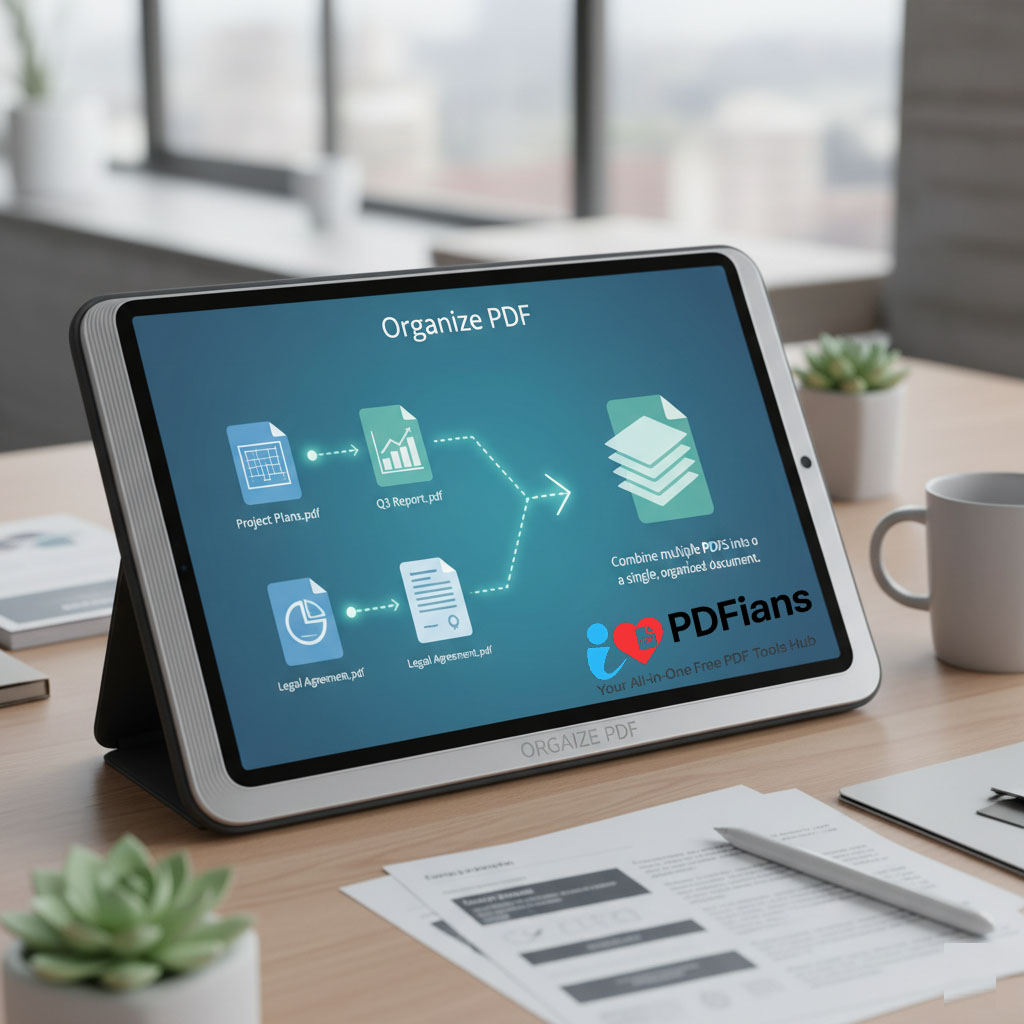
You will see small pictures of all your pages. Now, you can drag and drop pages to put them in order instantly. Additionally, you can rotate or delete unwanted pages with a single click. This visual layout gives you complete control.
Once you’re happy with the new order, click the “Organize” button. In moments, your newly structured PDF is ready. Finally, download it directly to your device or share it instantly using a link.
A high-quality tool to organize PDF files should have specific features. To begin with, an easy drag-and-drop interface is a must. Moreover, it should allow for actions like rotating many pages at once.
Furthermore, it should work quickly without lowering file quality. Security is another vital feature. The tool must process files safely and delete them afterward. Our ILovePDFians tool excels in all these areas. It’s the complete solution you need for all your PDF tasks, just like our tool to merge PDF files.
The ability to organize PDF pages is very valuable to many people. Students can rearrange notes and research papers into a clear study guide. Office staff and document managers can make sure reports and proposals are in the right order.
Content writers and editors can structure long articles and manuscripts. IT professionals can organize technical manuals and documents. Essentially, anyone who works with multi-page documents will find this skill vital for getting things done.
We understand that the documents you need to organize PDF can be private. Therefore, ILovePDFians puts your privacy and security first. Our website uses secure HTTPS encryption for all data transfers. This protects your files when you upload and download them.
Furthermore, we follow a strict no-logs policy. Your files are processed automatically by our servers. No person ever sees your content. Most importantly, all uploaded files are permanently deleted from our systems within one hour. You can trust us with your confidential work, just as you would with our Sign PDF online tool.
Organizing pages is just one part of mastering PDFs. ILovePDFians offers a full set of Online PDF Tools for every need. Perhaps you need to merge PDF files after organizing them. Or maybe you need to compress a large file for email after restructuring it.
You can also convert, edit, or protect your newly organized PDFs. Explore our Images Editing Tools for pictures or our SEO Tools for improving online content. ILovePDFians is your all-in-one platform for managing your digital world.
After you organize PDF pages, sharing your work is simple. The new document can be downloaded directly to your device. From there, you can attach it to an email or upload it to a cloud service.
For quick sharing, you can create a link to send via messaging apps. Your organized PDF can be easily shared on social platforms like Facebook, LinkedIn, X (Twitter), and WhatsApp. This flexibility ensures your perfectly structured document reaches colleagues and clients instantly.
Q: Is it free to organize PDF pages on ILovePDFians?
A: Absolutely! Our PDF organization tool is completely free to use with no hidden costs or watermarks.
Q: Can I rotate pages as well as reorder them?
A: Yes, our tool allows you to both rearrange the page order and rotate any page by 90 degrees.
Q: Will organizing my PDF affect its quality?
A: No. Our tool processes your file without any loss of quality, keeping the original resolution of text and images.
Q: Are my files secure when I use the online organizer?
A: Yes. We use encryption and automatically delete all files from our servers after a short time for your security.
Q: How many pages can I organize at once?
A: The tool can handle large documents with many pages, making it suitable for almost any project.
Q: Do I need to create an account to use the tool?
A: No registration is required. You can access and use our Organize PDF tool instantly and without giving personal information.