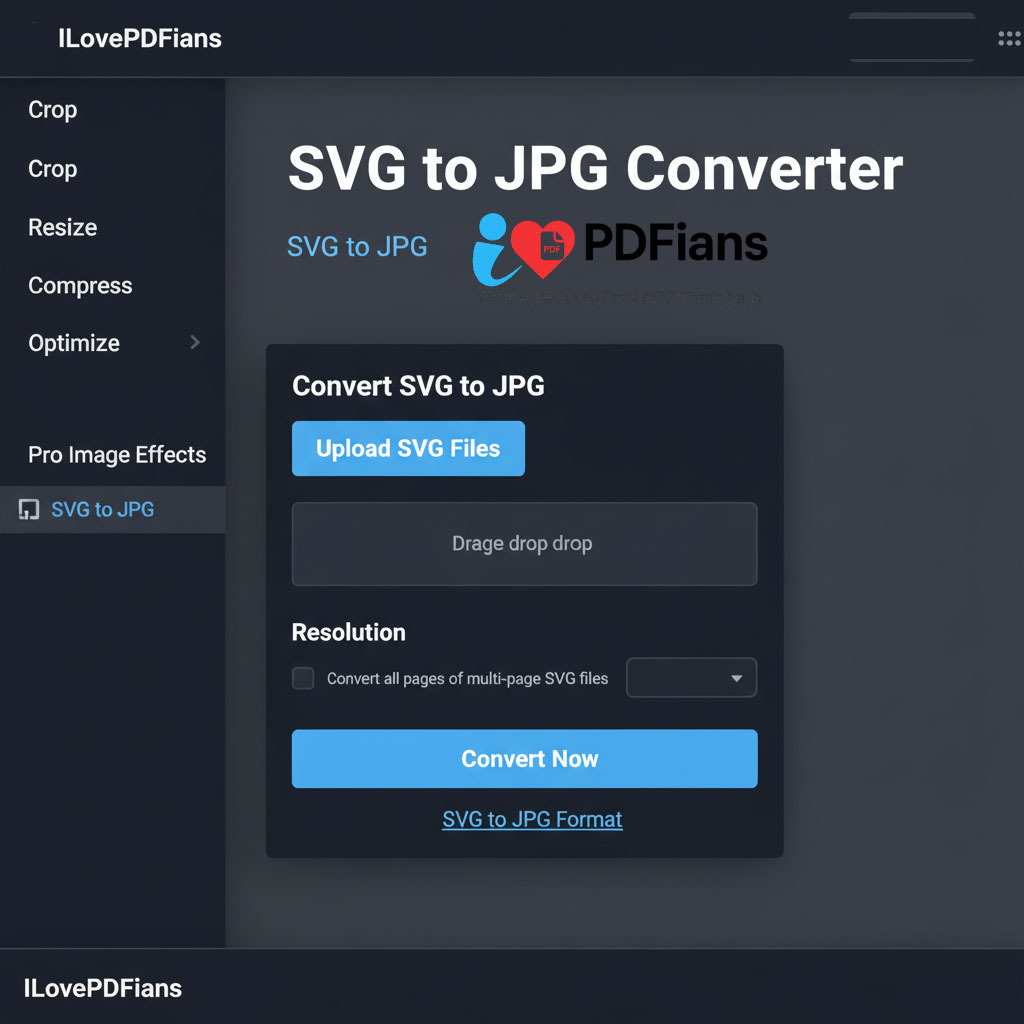
Modern web formats, especially vector graphics, sometimes require conversion to raster formats for broader accessibility. Consequently, an SVG to JPG converter stands as an essential online tool. This utility meticulously transforms scalable vector graphics (SVG) into widely compatible JPEG (JPG) files. This crucial image format conversion directly addresses compatibility issues often encountered with raster-only platforms, simultaneously providing a fixed-pixel image that’s easily shareable. Here at ILovePDFians, our dedicated SVG to JPG converter is an integral component within our comprehensive suite of Images Editing Tools. Therefore, it effectively serves users who require universal format accessibility across diverse platforms and applications.
Why Convert SVG to JPG Format?
Converting SVG to JPG format offers significant advantages, particularly for ensuring universal compatibility and enhancing sharing flexibility. While SVG inherently provides unparalleled scalability without any loss of quality, JPG, on the other hand, boasts broader software support and typically results in smaller file sizes, especially for photographic content. Our SVG conversion tool thus serves a wide array of user needs:
For Web Developers: They frequently require raster fallbacks for situations where SVG might not be fully supported, or for creating static image assets.
For Office Workers: They need to prepare presentations or documents where embedded images must be in a widely supported raster format like JPG.
For Social Media Managers: They often convert images to ensure optimal platform compatibility and faster loading times on various social media channels.
Furthermore, this versatile tool integrates seamlessly with our other offerings, such as our Image Compressor for subsequent size optimization, and our Pro Image Effects for further visual enhancements.
How Our Advanced Conversion Technology Works
Our SVG to JPG converter delivers reliable and high-quality results through a straightforward, user-friendly process.
Step 1: Effortless File Upload
First and foremost, you can easily upload your SVG files directly through our intuitive drag-and-drop interface. This design ensures a smooth start to your conversion process.
Step 2: Customizing Output Resolution
Next, you have the flexibility to specify the desired output resolution for your resulting JPG files. This control allows you to balance file size with image clarity, tailoring the output to your specific project needs.
Step 3: Precise Rasterization and Quality Preservation
Subsequently, our advanced algorithm efficiently processes the conversion. It meticulously rasterizes the vector graphics, transforming them into a high-quality JPG image. Throughout this entire process, the system diligently maintains color accuracy and preserves crucial details from the original SVG file, thereby ensuring a faithful conversion.
Step 4: Instant Download for Immediate Use
Finally, once the conversion is complete, you can instantly download your newly created JPG files. These files are then ready for immediate use across all your desired applications and platforms, ensuring maximum versatility.
Our Comprehensive Format Conversion Ecosystem
SVG conversion is often just one crucial step within a broader, complete image management workflow. After successfully converting your SVG files, you might wish to further optimize these images with our robust Image Compressor, thereby reducing their file size without significant loss of quality. Alternatively, you could resize them precisely using our Pro Image Resizer to fit specific dimensions. Additionally, you can apply various creative enhancements with our Pro Image Effects. Moreover, for document management, you have the option to incorporate these converted images into various documents using our Online PDF Tools, establishing a truly integrated workflow.