
🧹 Extra Space Remover
Clean up your text by removing unwanted spaces.
Processing Options
Extra Space Remover
In the world of digital text, what you don’t see can often cause the most significant problems. Extraneous whitespace—the invisible plague of double spaces, tabs, and unwanted line breaks—can make a clean document look unprofessional, corrupt data sets, and even break programming code. Furthermore, manually hunting down and deleting these pesky gaps is a frustrating and inefficient task. For this very reason, our online Extra Space Remover provides an immediate, one-click solution to instantly clean and perfect your text.
This powerful utility is an essential tool for a wide range of users, including developers, data analysts, writers, editors, and students. In fact, it intelligently scans your text and eliminates all forms of redundant whitespace without affecting your document’s intended formatting. Consequently, you can ensure your text is clean, consistent, and error-free in a matter of seconds, saving you valuable time and preventing costly mistakes.
H2: Why You Need an Online Extra Space Remover
At first glance, an extra space between words might seem like a minor cosmetic issue. However, in the context of digital data and code, these irregularities can lead to a cascade of problems. Our Extra Space Remover is designed to target and eliminate these specific issues, which often go unnoticed by the human eye. The most common types of unwanted whitespace include multiple spaces between words, leading spaces at the beginning of a line, and trailing spaces at the end of a line.
H3: How This Text Cleaner Fixes Spacing in Code
For software developers, a single trailing space can be a nightmare. Specifically, it can cause string comparisons to fail, break data parsing, and lead to hours of debugging. In many programming languages, the string ” text “ is not the same as “text”. This subtle difference is a common source of bugs that this tool prevents. In fact, you can see how critical whitespace handling is by looking at the documentation for string manipulation in languages like Python’s strip() method, which is designed specifically to solve this problem programmatically.
H3: Using an Extra Space Remover for Content and Data
For writers and content creators, inconsistent spacing looks unprofessional. Text copied from different sources, like PDFs or other websites, is often littered with these formatting artifacts. Ultimately, this distracts from the message and undermines credibility.
For data analysts, clean data is non-negotiable. Leading or trailing spaces can cause records in a database to be mismatched, leading to inaccurate reports and flawed analysis. A lookup function, for example, might fail to find a match between “New York” and ” New York”. The process of cleaning this data is a well-documented necessity, as explained by resources on data preparation.
H2: A Guide to Using Our Instant Extra Space Remover
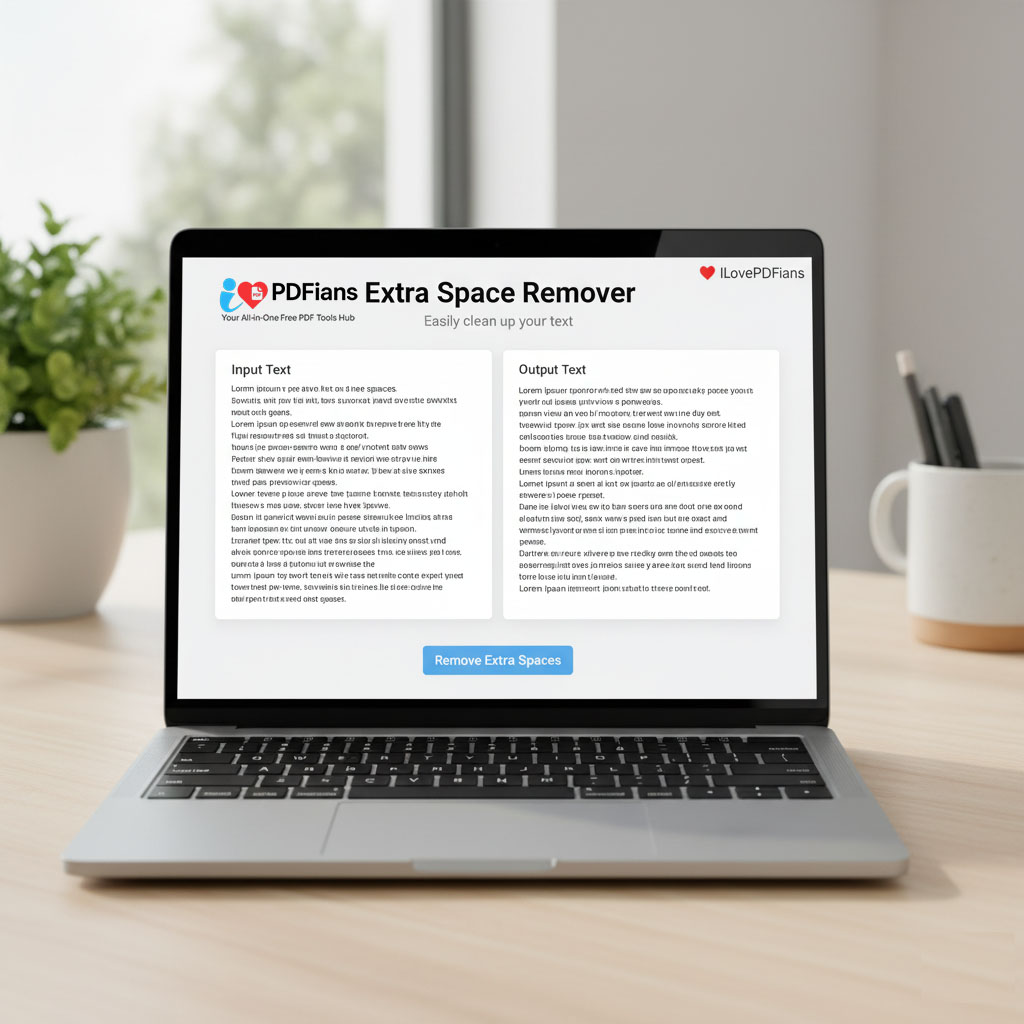
We believe that powerful tools should be effortless to use. Therefore, our Extra Space Remover is built with a simple, no-fuss interface designed for maximum efficiency. There are no complex settings to configure; the tool is pre-set to perform the most common and necessary text-cleaning functions. The entire operation is performed instantly and securely within your browser. As a result, you can clean your text with complete confidence, knowing your data never leaves your computer.
H3: How to Fix Spacing in Your Text Instantly
-
Paste Your Text: First, copy the content you wish to clean—whether it’s a block of code, an article draft, or a column from a spreadsheet—and paste it into the input field.
-
Witness the Instant Transformation: The tool automatically processes your text the moment you paste it. There’s no need to even click a button. You will immediately see the cleaned, perfectly formatted version in the output area.
-
Copy the Cleaned Text: Finally, click the “Copy” button to save the perfected text to your clipboard. It is now ready to be used in your project, document, or application.
This incredibly fast workflow is designed to integrate seamlessly into your daily tasks, turning a tedious manual chore into a quick, automated step.
H2: The Benefits of an Automated Text Cleaner Tool
In any professional setting, consistency and accuracy are key. Using an automated Extra Space Remover not only saves time but also enforces a standard of quality on your text-based work.
Firstly, it boosts productivity. The time saved by not having to manually use “Find and Replace” multiple times can be significant, especially when dealing with large documents. Secondly, it guarantees a level of thoroughness that is difficult to achieve manually. The tool will not miss a single trailing space or double gap. This precision is especially important before using other tools, such as our Text Diff Checker, to ensure the comparison is accurate and not skewed by invisible formatting differences.
H2: Frequently Asked Questions about Our Extra Space Remover
Here are answers to some of the most common questions about our Extra Space Remover and how it functions.
H3: What Whitespace Does This Extra Space Remover Target?
This tool is designed to perform the most critical cleaning tasks. Specifically, it removes all leading and trailing spaces from every line of text. Furthermore, it reduces any occurrence of two or more spaces between words down to a single space. Many versions of this tool also include an option to remove empty lines for even cleaner output.
H3: Will This Text Cleaner Delete Single Spaces?
No, absolutely not. The tool is intelligent enough to know that a single space between words is necessary for readability. In other words, it only targets redundant whitespace, leaving the essential formatting of your sentences intact. It cleans without destroying context.
H3: Is This Online Tool Safe for Confidential Text?
Yes. We prioritize your privacy and security. Our Extra Space Remover operates entirely on the client side, which means all the processing happens in your browser on your own machine. Your text is never sent to our servers, thereby ensuring that your information remains completely confidential.
H3: How is This Tool Better Than a Standard “Trim” Function?
While functions like TRIM() in spreadsheet software are useful, they often only handle leading and trailing spaces. Our tool is more comprehensive, as it also fixes the common issue of multiple spaces between words throughout the entire text block. Moreover, it provides a universal solution that works for any text, not just content within a specific application.