
Menu
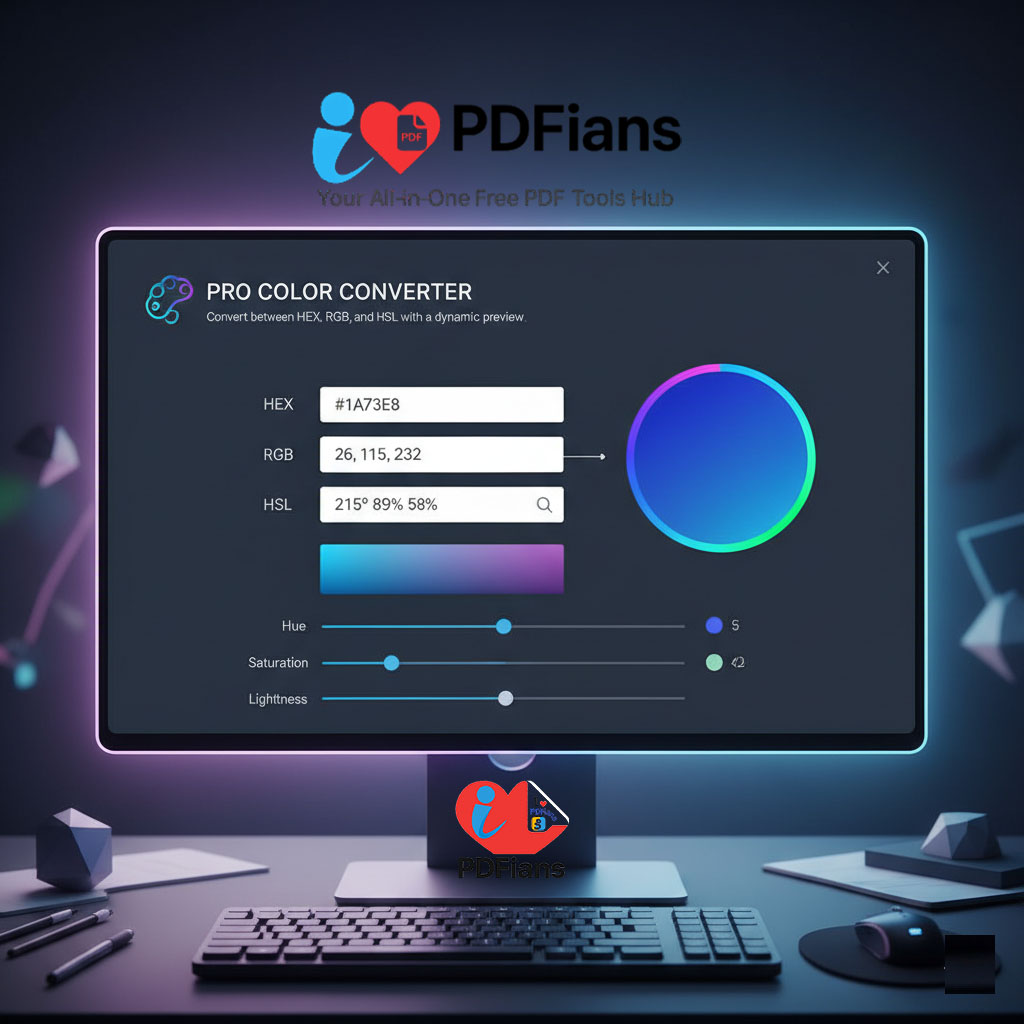
🎨 Pro Color Converter
Convert between HEX, RGB, and HSL with a dynamic preview.
Master Your Palette with Our Pro Color Converter
In the vibrant world of digital design and web development, precise color management is non-negotiable. From branding projects to interface design, ensuring color consistency across different platforms is a daily requirement. However, different software and coding languages rely on different color models, which can lead to confusion and wasted time. Therefore, our Pro Color Converter offers a seamless, intuitive solution to switch between HEX, RGB, and HSL formats instantly.
Specifically, this tool is designed to eliminate the guesswork involved in translating color codes. By providing a real-time, dynamic preview, it allows you to visualize the exact shade before you implement it into your project. In essence, it serves as the ultimate bridge between the visual creativity of a designer and the code-based precision of a developer.
The Necessity of a Multi-Format Color Tool
Although a color may look identical to the human eye on a screen, the underlying code defining it can vary significantly. For instance, a web developer might need a compact HEX code for CSS, while a graphic designer using photo editing software might require RGB values. Consequently, manually calculating these conversions is not only tedious but also prone to errors.
Moreover, understanding the relationship between these formats is crucial for modern design. Because our tool updates all fields simultaneously, it helps users understand how a change in Hue (HSL) affects the Red, Green, and Blue (RGB) levels. Ultimately, this instant feedback loop improves both workflow efficiency and design accuracy.
Core Features of the Pro Color Converter
To ensure maximum utility, our converter is equipped with features that streamline the design process. In fact, the interface is built to be minimal yet powerful, catering to both novices and professionals. The core functions include:
HEX Input/Output: Handles standard 6-digit hexadecimal codes used in web design.
RGB Conversion: translates values into Red, Green, and Blue components (0-255).
HSL Adjustment: Converts colors into Hue, Saturation, and Lightness percentages.
Dynamic Preview: Notably, this feature displays a large swath of the color immediately, allowing for instant visual verification.
One-Click Copy: Streamlines the workflow by allowing you to copy results instantly.
Understanding the Formats: HEX, RGB, and HSL
To better utilize this tool, it helps to understand what each format represents.
HEX (Hexadecimal): This is the standard for HTML and CSS. It starts with a hash (#) followed by six characters (0-9 and A-F). For example, #FFFFFF represents white.
RGB (Red, Green, Blue): This is an additive color model. Basically, it defines a color by the intensity of red, green, and blue light, ranging from 0 to 255.
HSL (Hue, Saturation, Lightness): Often preferred by designers, this model is more intuitive. Instead of mixing light colors, you adjust the hue (color wheel position), saturation (intensity), and lightness (brightness).
A Practical Guide to Using the Converter
Using the Pro Color Converter is incredibly straightforward. Since the tool is reactive, you can start by typing in any of the three input fields. Automatically, the remaining fields will populate with the correct conversions.
Step-by-Step Usage
Choose Your Starting Format: Identify whether you have a HEX code, RGB values, or HSL numbers.
Input the Data: Type or paste your color code into the corresponding box.
View the Dynamic Preview: Immediately, the color block will update to reflect your input.
Copy the Conversion: Look at the other fields to see the converted values. Finally, copy the format you need for your specific project.
Regarding workflow, you can also use the color picker (if your browser supports it) to visually select a color and generate the codes. This is particularly useful when you are exploring new color palettes and do not have a specific code in mind yet.
Why Our Color Converter is the Smart Choice
When working with client branding or detailed UI elements, accuracy is paramount. Fortunately, our Pro Color Converter is built with precise algorithms that ensure mathematical exactness in every conversion.
Furthermore, we prioritize your digital safety and speed. Because the tool runs entirely in your browser (client-side), no data is sent to external servers. Thus, your project details remain private. In addition to being secure, the tool is lightweight and loads instantly, ensuring it never slows down your creative process.
Frequently Asked Questions (Q&A)
Here are answers to common questions regarding our Pro Color Converter.
What happens if I enter an invalid HEX code?
Generally, the tool is designed to recognize standard formats. If you enter an incomplete or invalid code (like a 4-digit HEX), the converter may pause or wait for valid input. However, once the correct number of characters is entered, the dynamic preview will instantly engage.
Can I use this tool to generate CSS for my website?
Yes, absolutely. To illustrate, you can input a color using HSL sliders to find the perfect shade, and then simply copy the resulting HEX code to paste directly into your CSS file. Conversely, you can take an existing HEX code from a website and convert it to RGB for use in graphic design software.
Is the tool mobile-friendly?
Yes. Importantly, the interface is fully responsive. Whether you are using a desktop, tablet, or smartphone, the layout adjusts to fit your screen. Consequently, you can check color codes on the go without needing a dedicated app.
Do I need to download software to use the dynamic preview?
No. The dynamic preview is built directly into the web page using standard web technologies. Therefore, it works natively in your browser without any plugins or downloads.