
Online Text Editor
About Our Online Text Editor
A modern, browser-based text processing tool with real-time translation capabilities. Format text, modify content, and translate documents seamlessly with our intuitive interface.
Create and Edit Text with Advanced Online Tools
Online Text Editor
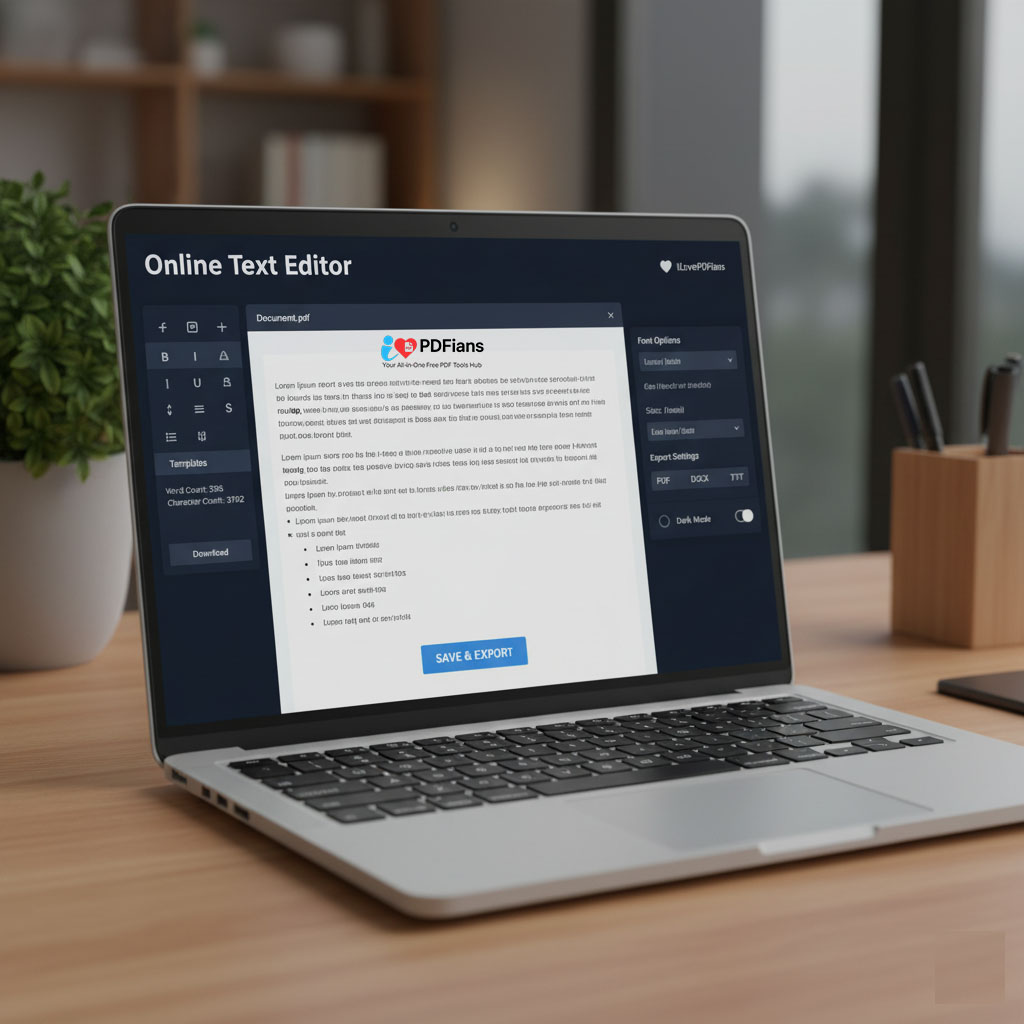
Professional online text editing and formatting capabilities are essential for content creation, document preparation, and collaborative writing projects. Our comprehensive Online Text Editor provides advanced writing tools that enable real-time editing, professional formatting, and seamless document management for all your text processing needs. These powerful text editing utilities ensure polished, professional-looking documents across various file types and publishing platforms, making it the perfect solution for writers, students, and professionals alike. At ILovePDFians, our Online Text Editor enhances our complete Document Tools collection, specifically designed to support content creators, academic writers, business professionals, and teams working with text-based content.
https://ilovepdfians.com/images/online-text-editor-interface.png
Why Use Professional Text Editing Tools?
Online Text Editor
Utilizing advanced text editing tools offers significant advantages for productivity, content quality, and collaborative efficiency. These comprehensive editing utilities streamline document creation workflows, ensure consistent formatting across documents, and facilitate real-time collaborative writing processes. Our professional text editing platform serves diverse user needs: content writers formatting articles and blog posts with precise styling options; students preparing academic papers and reports with citation tools; business professionals creating polished documents and presentations; and teams collaborating on shared documents with version control. These versatile tools integrate seamlessly with our <a href=”/pdf-to-word” class=”internal-link”>PDF to Word Converter</a> for document transformation and our <a href=”/online-pdf-tools” class=”internal-link”>Online PDF Tools</a> for comprehensive document management.
https://ilovepdfians.com/images/text-editing-features.png
How Our Text Editing Technology Works
Online Text Editor
Our advanced online text editor delivers intuitive, feature-rich text processing through a clean, user-friendly interface designed for maximum productivity. Access comprehensive formatting options including font styles, sizes, colors, and paragraph alignment with single-click functionality. The system provides real-time spell checking in multiple languages, word count tracking, and unlimited undo/redo functionality to ensure mistake-free writing. Advanced features include bullet points and numbered lists for organized content, text highlighting for emphasis, hyperlink insertion for references, and table creation for structured data presentation. The auto-save functionality ensures no work is lost during editing sessions, while multiple export options support various file formats including PDF, DOCX, and plain text for maximum compatibility across platforms and devices.
https://ilovepdfians.com/images/collaborative-text-editing.png
Comprehensive Professional Workflow Integration
Text editing represents one component of complete document creation workflows within our integrated tool ecosystem. After creating and formatting your text documents, you might convert them for wider distribution using our <a href=”/pdf-to-word” class=”internal-link”>PDF to Word Converter</a> tool. Alternatively, use our <a href=”/image-to-pdf” class=”internal-link”>Image to PDF Converter</a> for incorporating visual elements and screenshots, or secure sensitive documents using our <a href=”/pdf-protect” class=”internal-link”>PDF Protect</a> tool for confidentiality and access control. For enhanced document organization, explore our <a href=”/pdf-merge” class=”internal-link”>PDF Merger</a> to combine multiple text documents into a single file.
Advanced Features for Professional Results
Modern online text editing requires more than basic formatting, which is why our tool includes advanced capabilities for professional-grade document creation. Experience real-time collaboration with multiple editors, comment threads for feedback, and version history to track changes over time. The style palette ensures brand consistency with custom font sets and color schemes, while templates provide quick starting points for common document types. Accessibility features include screen reader compatibility and alt-text generation for images, making your content inclusive for all audiences. For research and content development, integrated reference tools and citation generators help maintain academic integrity and proper sourcing.
Frequently Asked Questions
Q: What file formats does the text editor support?
A: We support DOCX, PDF, TXT, and RTF formats for comprehensive document compatibility, ensuring seamless work across different platforms and applications.
Q: Can multiple people collaborate on the same document?
A: Yes, our tool enables real-time collaboration with multiple editors, comment functionality, and change tracking for efficient team document creation.
Q: Is there automatic spell checking available?
A: Absolutely, our editor includes real-time spell checking in multiple languages with suggested corrections and grammar checking for professional-quality writing.
Q: Does the text editor work on mobile devices?
A: Yes, our responsive design ensures full functionality across desktop, tablet, and mobile devices with optimized interfaces for each screen size.