
HTML Entities Encoder/Decoder
Convert special characters to HTML entities and vice-versa for safe HTML display.
Your Essential Tool for Flawless Web Content
In the complex world of web development, precision is absolutely essential. In fact, every character and symbol in your code plays a vital role. They directly influence how browsers render and interpret a webpage. Some characters, however, have special meanings in HTML. Using them directly can consequently lead to broken layouts, validation errors, and even security risks. This is precisely where the power of an HTML Entities Encoder/Decoder becomes indispensable. Therefore, understanding and using this tool is not just a technical step but a true cornerstone of professional web development.
To solve this, our powerful and user-friendly tool at ILovePDFians simplifies this intricate process. It ensures your code remains clean, secure, and universally compatible. Whether you are a seasoned developer or just starting your journey, this guide will walk you through everything. Specifically, we will cover HTML entities and show how our encoder/decoder can significantly streamline your workflow.
Understanding the Core: What Are HTML Entities?
At its heart, an HTML entity is a simple piece of text. It begins with an ampersand (&) and subsequently ends with a semicolon (;). Web developers use these entities to represent special characters. These characters might be reserved for HTML syntax or perhaps are not on a standard keyboard. For instance, the less-than symbol (<) is fundamental to HTML because it opens a tag. If you want to display this character as text, you must use its corresponding entity: <. In the same way, > represents the greater-than symbol (>).
The main reason for using HTML entities is to prevent web browsers from misinterpreting your content. When a browser sees a < character, it naturally expects an HTML tag to follow. By using the < entity instead, you clearly tell the browser to display the symbol as text. As a result, this action protects the integrity of your HTML structure and ensures the correct rendering of your content.
Why the HTML Entity Encoding Process is Crucial
You simply cannot overstate the importance of encoding special characters. First and foremost, it guarantees your website will display content correctly across all browsers and devices. Without proper encoding, you risk major inconsistencies in how your pages appear. Ultimately, this can lead to a poor and frustrating user experience.
Secondly, and perhaps more critically, HTML entity encoding is a vital security measure. For example, it plays a significant role in preventing Cross-Site Scripting (XSS) attacks. XSS is a dangerous injection vulnerability where attackers inject malicious scripts into trusted websites. By encoding user-generated content before it appears on a page, you effectively neutralize potentially harmful scripts. This, in turn, protects both your website and its users.
Introducing the ILovePDFians HTML Entities Encoder/Decoder
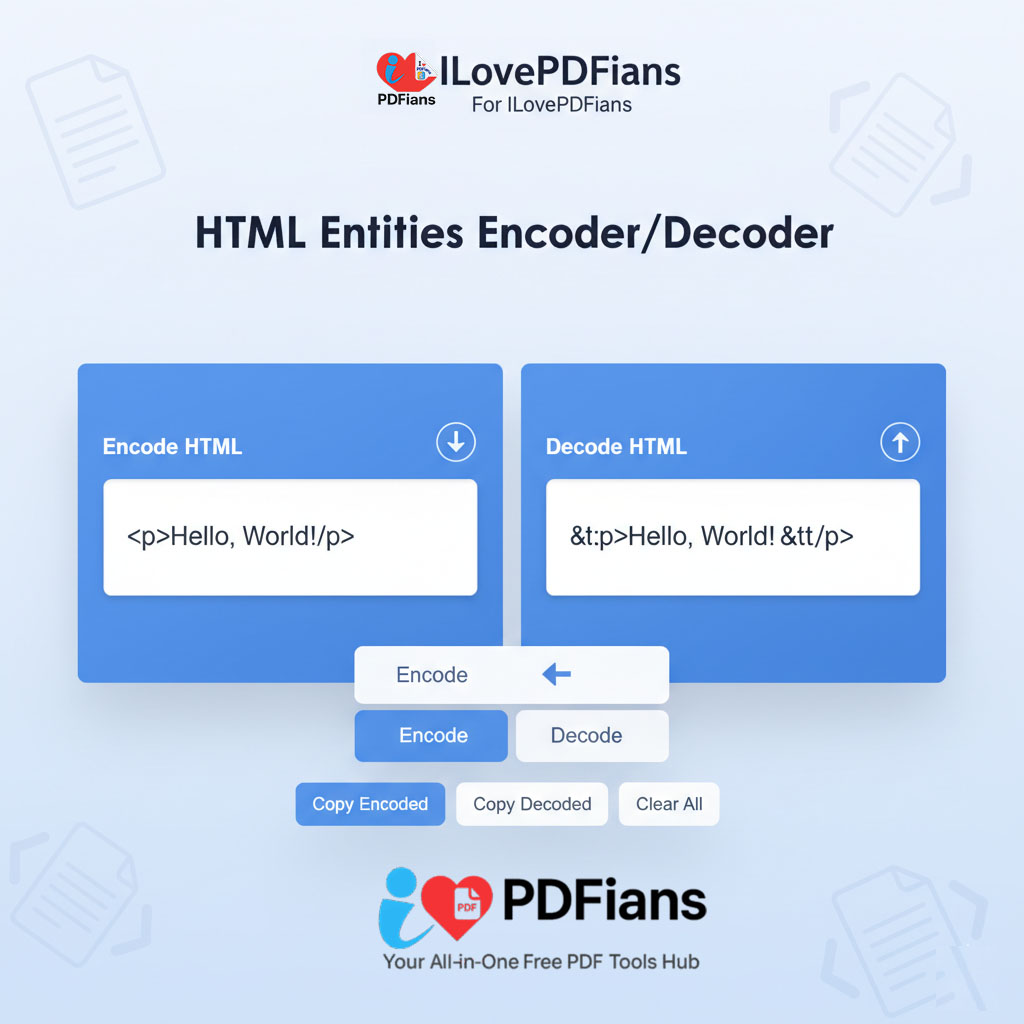
We developed our seamless and efficient HTML Entities Encoder/Decoder to address the challenges of manual conversion. Our tool is exceptionally intuitive. It allows you to convert text to HTML entities and back with just a single click, making the process effortless.

Alt Attribute: A visual of the ILovePDFians HTML Entities Encoder/Decoder, an essential tool for converting special characters.
How to Use Our Online HTML Entity Encoder
Encoding text with our tool is a remarkably straightforward process. First, you paste your text into the input box. Then, the tool instantly converts any special characters into their corresponding HTML entities. For example, if you input <p>This is a paragraph.</p>, the encoder will immediately output <p>This is a paragraph.</p>. You can then safely embed this encoded text directly into your HTML code.
Our tool is especially useful for developers working with dynamic content. This includes things like comments, forum posts, or any other user-submitted data. By integrating our encoder into your workflow, you can automate the process of sanitizing user input. Consequently, you save valuable time and significantly enhance your site’s security.
Decoding HTML Entities with Absolute Ease
Conversely, you may sometimes need to decode HTML entities back into their original characters. For instance, you might retrieve data from a database that stores content in an encoded format. In that case, you must decode it before displaying it in an editable text area. Our decoder simplifies this task perfectly. In short, it allows you to quickly convert encoded text back to a readable and usable format.
The Technical Backbone: Character Encoding and Best Practices
To fully appreciate our HTML Entities Encoder/Decoder, it helps to understand character encoding. Character encoding is the process of converting text into a digital format. For the web, UTF-8 is the most widely used standard. This is because it supports a vast range of characters and symbols from numerous languages.
When creating web pages, it is a best practice to always declare the character encoding. You should place this declaration in the <head> section of your HTML document like this: <meta charset=”UTF-8″>. This small line of code ensures that the browser correctly interprets every character on your page. For more detailed information on web standards, you can always refer to the official W3C HTML specification.
Our Tool’s Role in Upholding Web Standards
Our HTML Entities Encoder/Decoder directly supports these best practices. It provides a reliable method for handling special characters. Therefore, it ensures the validity and consistency of your HTML documents. By using our tool, you take a proactive step toward creating well-structured and technically sound web pages. Furthermore, for those looking to dive deeper into web security, the OWASP Cross-Site Scripting Prevention Cheat Sheet is an excellent external resource.
Frequently Asked Questions (Q&A)
What is the difference between an HTML entity name and an entity number?
You can represent HTML entities with either a name or a number. For example, the copyright symbol © can be written as © (entity name) or © (entity number). Both options produce the same result. Generally, people find entity names easier to remember. However, not all characters have a named entity.
Can I use your HTML character entity converter for other programming languages?
While we designed this tool specifically for HTML, the concept of encoding special characters is relevant in other languages too. The specific entities and encoding methods, however, may differ.
How does your online HTML entity encoder improve website security?
Our encoder helps prevent XSS attacks. It does this by converting characters that could inject malicious scripts into their safe entity equivalents. This process ensures the browser displays user-provided content as text rather than executing it as code.
Is it necessary to encode all special characters?
While not strictly required, it is a very good practice to encode any character with a special meaning in HTML. This is especially true when you are dealing with user input. Key characters to always encode include <, >, &, “, and ‘.
Can I use your tool to decode HTML entities online for free?
Of course! Our HTML Entities Encoder/Decoder is a completely free tool. ILovePDFians provides it to help developers and content creators build better, safer websites.
Where can I find a complete list of all HTML entities?
Many online resources provide comprehensive lists of HTML entities. A great starting point is the official documentation from the World Wide Web Consortium (W3C).
By incorporating our HTML Entities Encoder/Decoder into your development process, you can ensure your web content is not only visually correct but also robust and secure. Additionally, it will be compliant with the latest web standards. For more helpful tools to boost your productivity, be sure to explore the other offerings on our website, like our PDF tools.