
Code Minifier Tool
Optimize your HTML, CSS, and JavaScript by removing unnecessary whitespace and comments
Minifying Code...
Minification Results
| Metric | Original | Minified | Reduction |
|---|
Success
Basic Code Minifier-Streamline Your Website's Performance
Are you looking to boost your website’s loading speed and overall performance? ILovePDFians’ Basic Code Minifier is your go-to solution for optimizing your web files. This powerful yet easy-to-use tool removes unnecessary characters from your HTML, CSS, and JavaScript code without altering its functionality. The result? Smaller file sizes, faster load times, and a better user experience.
Why Minify Your Code?
Minifying your code is a crucial step in web optimization for several reasons:
-
Faster Loading Times: Smaller file sizes mean browsers can download and process your web pages more quickly.
-
Improved User Experience: Consequently, visitors are less likely to abandon a site that loads rapidly.
-
Reduced Bandwidth Usage: Furthermore, lower file sizes save bandwidth for both your server and your users.
-
Better SEO Ranking: Additionally, search engines like Google favor faster websites, potentially improving your search engine visibility.
Why Choose Our Basic Code Minifier?
ILovePDFians offers a completely free, browser-based, and secure solution for code minification, thus eliminating the need for complex software or installations.
-
Supports Multiple Languages: Our minifier handles HTML, CSS, and JavaScript, making it a versatile tool for various web development needs.
-
Zero Cost & No Sign-ups: Access premium optimization features without any hidden fees or account creation.
-
Enhanced Security: All code processing happens directly in your browser. Therefore, your code never leaves your device and is not uploaded to our servers, ensuring your intellectual property remains private.
-
Simple & Intuitive Interface: Just paste your code or upload your files, and our tool does the rest. Indeed, it’s designed for efficiency and ease of use.
-
Instant Results: Get minified code back in seconds, ready for deployment.
How to Minify Your Code in 3 Easy Steps
-
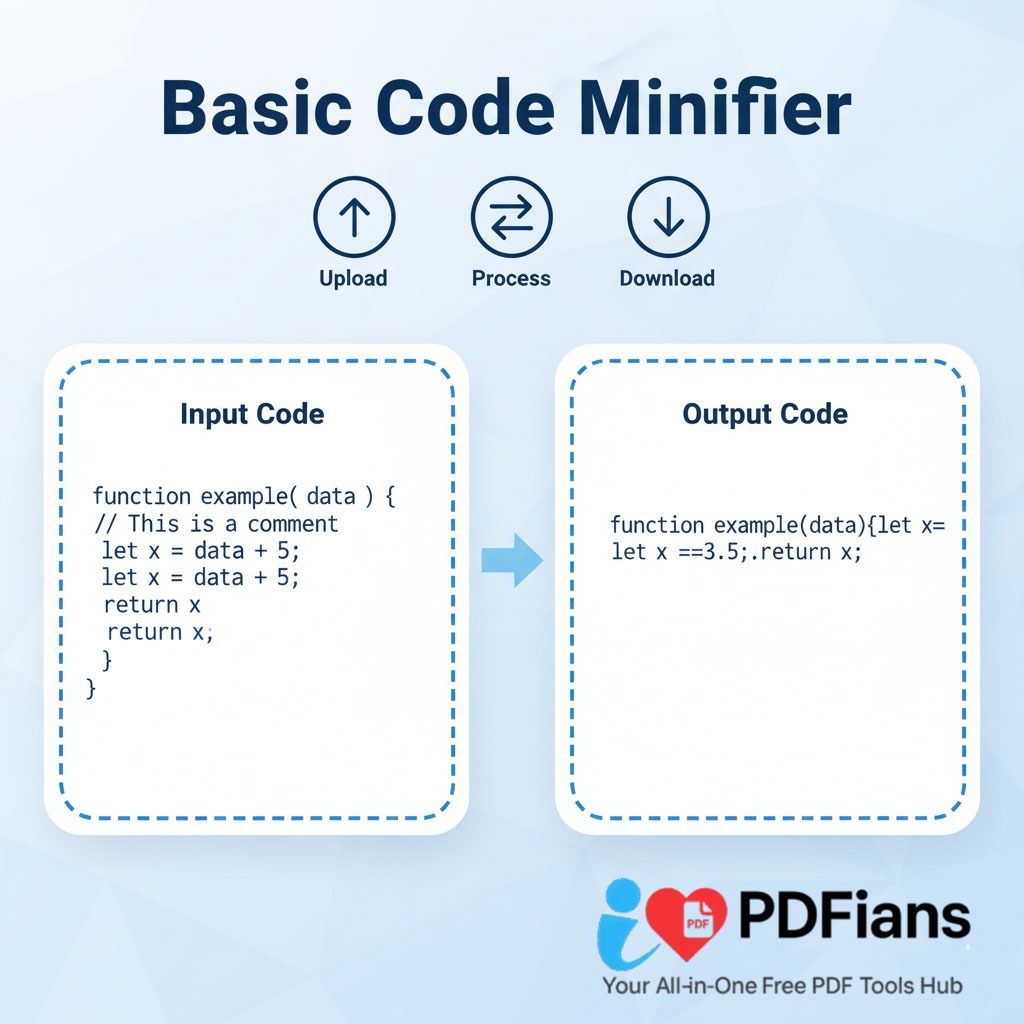
Paste or Upload: Copy and paste your HTML, CSS, or JavaScript code directly into the tool’s input box, or upload your .html, .css, or .js file.
-
Minify: Click the “Minify” button. Our tool will instantly process your code, removing whitespace, comments, and other redundant characters.
-
Download & Use: The minified code will be displayed, ready for you to copy or download as a new file. Implement it into your website and enjoy the performance boost!
Beyond Code Minification: ILovePDFians’ Extensive Toolkit
Our Basic Code Minifier is just one of over 50 free tools available on ILovePDFians, spanning five essential categories. As a matter of fact, we aim to provide comprehensive solutions for all your digital document and online needs.
Explore Our Tool Categories:
-
Online PDF Tools: Merge, compress, convert, split, and extract text from PDFs.
-
Image Editing: Resize, crop, and apply filters to your images for web optimization.
-
Text Analysis: Utilize word counters and grammar checkers for content refinement.
-
Online Calculators: Access a range of financial and unit conversion tools.
-
SEO Tools: Boost your website’s visibility with keyword analyzers, backlink checkers, and more.
All our tools are mobile-friendly and offer one-click sharing to over 30 popular platforms like Facebook, Instagram, LinkedIn, and X (Twitter), thereby facilitating seamless collaboration and workflow integration.
Optimize Workflows & Collaborate Effectively
Integrate code minification into your development workflow to ensure every update comes with performance improvements. For example, pair this tool with our Image Resizer for complete front-end optimization. After minifying, use our Website SEO Score Checker to see the impact on your site’s performance metrics. Share your optimized files or insights with your team effortlessly through our integrated sharing options.
Discover more tool at Image Resizer, Website SEO Score Checker & Compress PDF. For Google Developers-Minify Resources
Q&A Section:
Q1: Is ILovePDFians’ Basic Code Minifier truly free?
Yes, it is completely free to use, with no hidden costs, subscriptions, or account requirements.
Q2: What types of code can I minify?
Our tool supports HTML, CSS, and JavaScript code.
Q3: Is my code secure when I use the minifier?
Absolutely. All minification processes occur locally in your browser, meaning your code is never uploaded to our servers and remains completely private.
Q4: Will minifying my code break its functionality?
No, our minifier is designed to remove only unnecessary characters (like whitespace and comments) without altering the logic or functionality of your code.
Q5: Can I process multiple code files at once?
Currently, the tool processes one block of code or one uploaded file at a time. For larger projects, you would process each file individually.