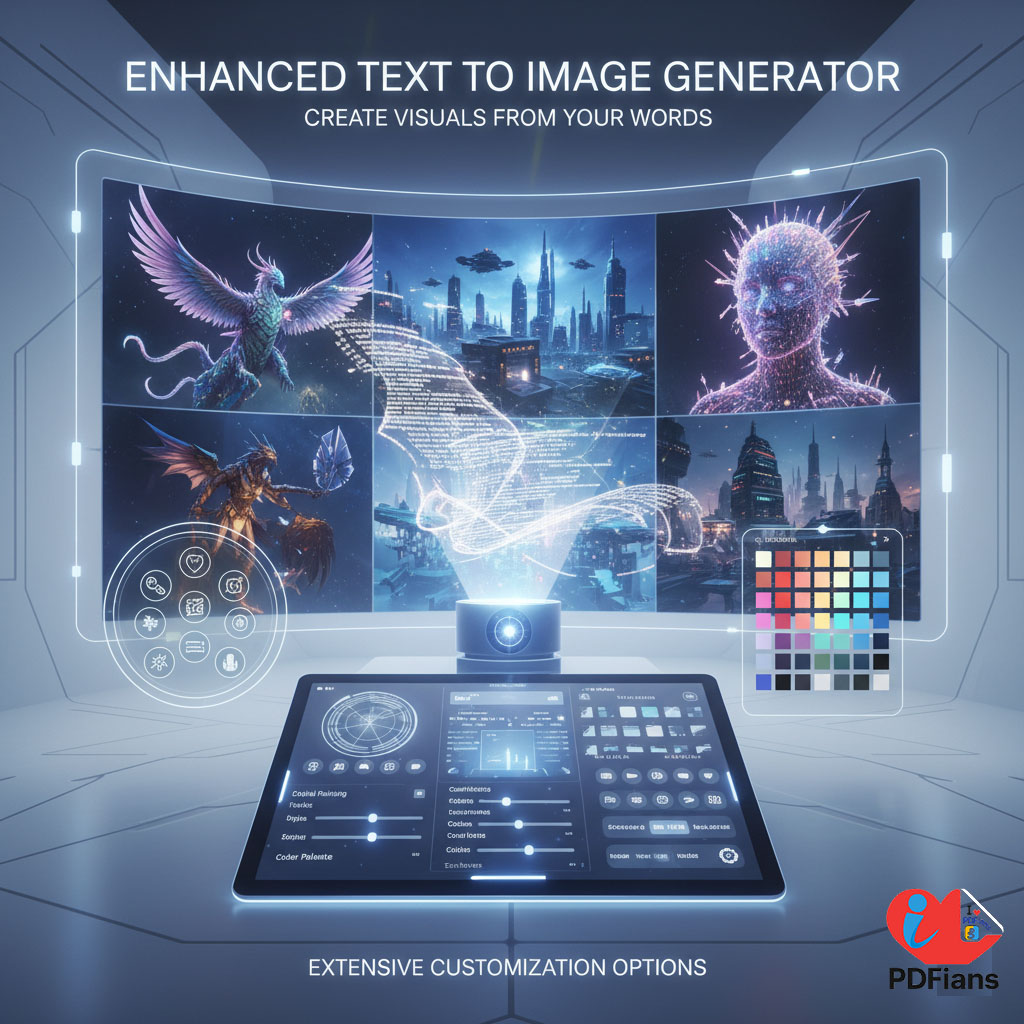
The world of digital creativity has been revolutionized by a single, powerful idea: turning words into images. However, many AI art tools are often complex, require expensive subscriptions, or give you very little creative control. To solve this, our free online Enhanced Text to Image Generator provides a simple yet powerful platform that allows anyone to become a digital artist, transforming their imagination into stunning, high-quality visuals.
This cutting-edge tool is designed for content creators, marketers, designers, and anyone with a spark of creativity. In fact, it goes beyond basic generators by offering advanced controls like style selection and negative prompts. Consequently, you can guide the AI to create exactly what you envision, from photorealistic portraits to epic fantasy landscapes, all with just a few words.
H2: What Makes This an “Enhanced” Text to Image Generator?
The “enhanced” part of our tool is all about giving you, the creator, more control. While a basic generator might give you a random interpretation of your prompt, our tool provides the features you need to fine-tune the result and achieve a professional-looking image.
H3: Beyond Basic Prompts: Choosing Your Artistic Style
One of the most powerful “enhanced” features is the ability to select a specific artistic style. You are not just telling the AI what to create, but how to create it. For instance, you can choose from a wide range of styles, such as:
Photorealistic: For creating images that look like real photographs.
Anime: For generating vibrant, Japanese animation-style characters and scenes.
Digital Art: For a sleek, modern, illustrated look.
Fantasy: For creating epic, imaginative, and otherworldly scenes.
Ultimately, this control ensures the final image matches your project’s aesthetic.
H3: Fine-Tuning with an Advanced Negative Prompt Feature
Sometimes, telling the AI what you don’t want is just as important as telling it what you do want. A negative prompt is an advanced feature that allows you to exclude certain elements from your image. For example, you could add terms like “blurry, ugly, extra fingers, poorly drawn” to the negative prompt to improve the overall quality of the final art. Therefore, this gives you a powerful way to refine the AI’s output.
H2: A Guide to Using Your Free AI Art Generator
We designed the user experience to be incredibly simple and fun. You can go from a blank canvas to a beautiful AI-generated image in just a few moments.
H3: How to Create AI Art in Simple Steps
First, write a clear and descriptive prompt in the text box. Think about the subject, the action, the setting, and the mood.
Next, choose an artistic style from the dropdown menu that best fits your vision.
Then, (optional but recommended) add any terms you want to avoid to the “Negative Prompt” box.
Finally, click the “Generate Image” button. Your unique, AI-generated artwork will appear in seconds, ready for you to download.
After creating your masterpiece, you can use our Pro Meme Generator to add a funny caption and share it with the world.
H2: Key Use Cases for This Text to Art Creator
This Enhanced Text to Image Generator is a versatile tool with endless possibilities.
H3: For Content Creators and Bloggers
Stop using the same boring stock photos as everyone else. This tool allows you to create completely unique, royalty-free images for your blog posts, articles, and social media. For example, if you’re writing an article about space exploration, you can generate a stunning image of a futuristic spaceship flying past a nebula. This makes your content far more engaging and visually appealing.
H3: For Marketers and Social Media Managers
In marketing, standing out is everything. You can use this AI image generator to create eye-catching visuals for ad campaigns, social media posts, and email newsletters. Furthermore, you can quickly generate multiple different visual concepts to A/B test and see what resonates most with your audience. For more on the power of visual content in marketing, major industry blogs like HubSpot offer great insights.
H3: For Personal Creativity and Fun
You don’t need to be a professional to have fun with AI art. You can use this tool to:
Create a custom avatar for your social media profiles.
Design a unique wallpaper for your phone or computer.
Bring a character from your imagination to life.