Drag & drop BMP file(s) here
or
File Information
Frames Selected: 0
Image Dimensions: N/A
GIF Preview
Your GIF will appear here...
Creating GIF (0%)...

A responsive GIF creator that never freezes, with live progress updates.
Drag & drop BMP file(s) here
or
Frames Selected: 0
Image Dimensions: N/A
Lower = better colors, Higher = smaller file.
Your GIF will appear here...
Creating GIF (0%)...
Working with images, especially when you need them for web animations or to convey a short, looping visual message, often brings you to the need for specific file formats. While BMP (Bitmap) images are excellent for high-quality, uncompressed visuals, they aren’t ideal for web use or animation. GIF (Graphics Interchange Format) images, on the other hand, are perfect for simple animations and web-friendly graphics. ILovePDFians’ BMP to GIF Converter is a free, powerful online tool designed to effortlessly transform your static BMP images into dynamic GIF files, making them suitable for web pages, social media, and more. This tool is essential for web designers, content creators, and anyone looking to add a touch of animation to their visuals.
BMPs are raw, high-quality images, but their large file sizes and lack of animation support limit their versatility for online use. GIFs, however, are specifically designed for web graphics and animations. A dedicated tool like ours becomes indispensable for several crucial reasons:
Web Compatibility: BMP files are generally not supported by web browsers for animation and can significantly slow down page load times due to their size. GIFs are lightweight and universally supported for simple animations.
Animation Creation: The primary advantage of GIF over BMP is its ability to support animation. Our converter allows you to transform a series of BMPs into a single animated GIF, bringing your static images to life.
Reduced File Size: While GIFs can also be large, they often offer better compression for certain types of images and animations compared to uncompressed BMPs, leading to faster loading times and reduced bandwidth usage.
Social Media & Sharing: Animated GIFs are incredibly popular on social media platforms and messaging apps. Converting your BMPs to GIFs makes them shareable and engaging across various digital channels.
Transparency Support: GIFs support transparency, which is crucial for creating professional-looking web elements and overlaying images without a solid background.
ILovePDFians provides a robust, free, browser-based, and highly secure solution for all your image conversion needs. We pride ourselves on offering a tool that combines powerful functionality with ultimate user privacy.
Effortless Conversion: Instantly transform one or multiple BMP images into a single animated GIF. Our tool handles the complex conversion process behind the scenes, delivering a ready-to-use GIF.
Adjustable Animation Speed: Control the timing of your animation! You can easily set the delay between frames to create fast-paced or slow-motion effects, giving you creative control over your GIF.
High-Quality Output: Despite converting to a web-friendly format, our tool strives to maintain the best possible image quality in the resulting GIF, ensuring your animations look crisp and clear.
Secure & Private Processing: All image processing occurs locally in your browser. Significantly, your data never leaves your device and is never transmitted to our servers, ensuring complete privacy and data security. You can confidently process sensitive images.
User-Friendly Interface: With a clean and intuitive drag-and-drop design, the tool is easy for users of all skill levels to operate. No steep learning curve, just immediate productivity.
Batch Processing: Convert multiple BMP files to a single GIF simultaneously, saving you valuable time when working with a series of images for animation.
Utilizing our tool is designed to be as simple and efficient as possible:
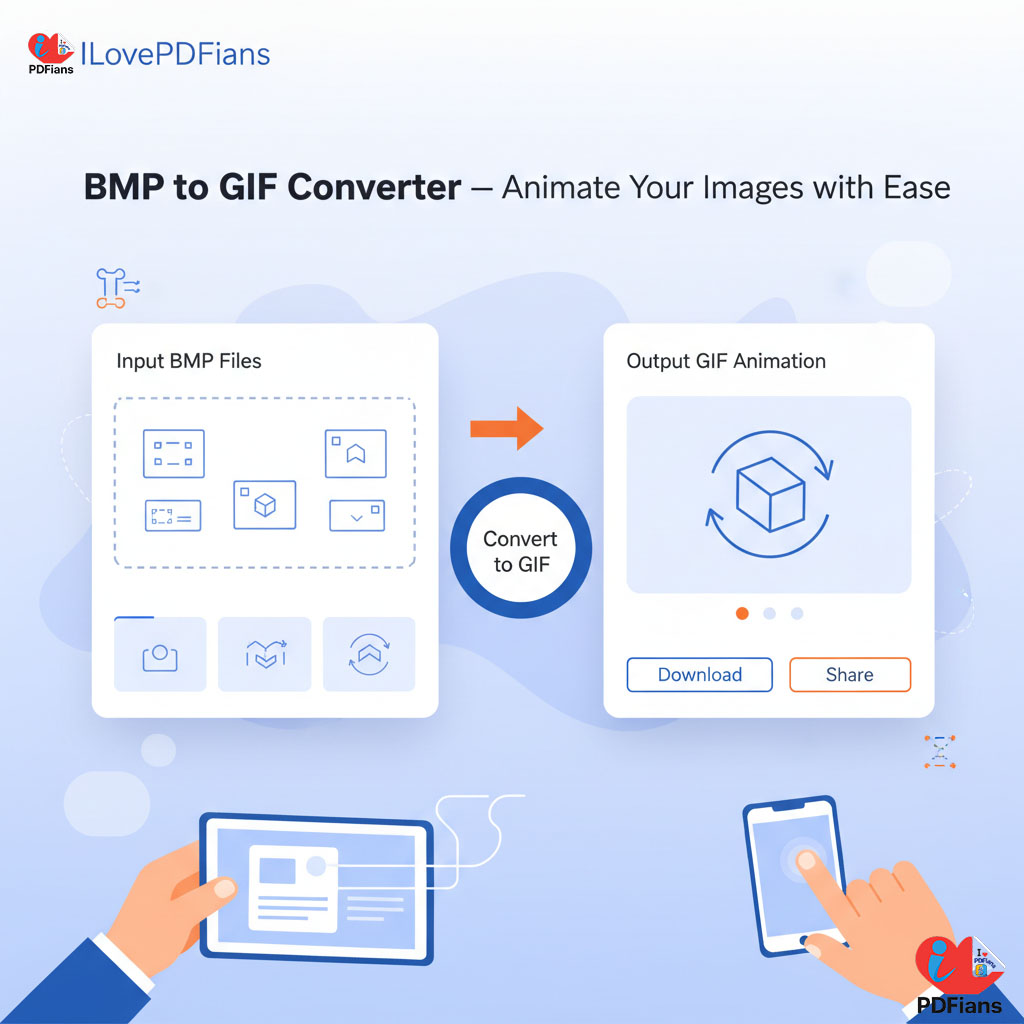
Input Your BMP Images: Begin by dragging and dropping your BMP files directly into the dedicated input area. Alternatively, you can easily upload .bmp files from your computer or cloud storage. You can select multiple BMPs to create an animation.
Adjust Settings (Optional): If creating an animation, you can adjust the frame delay (speed) of your GIF. You can also reorder your images if necessary to define the animation sequence.
Convert & Download: Click the “Convert to GIF” button. The tool will automatically process your input. The resulting GIF will instantly appear in the output area. From there, you can easily download it to your device.
Our BMP to GIF Converter is merely one of over 50 free tools available on ILovePDFians, covering five essential categories. Indeed, we strive to offer comprehensive solutions for all your digital document and online requirements, empowering you to tackle diverse tasks from a single platform.
Discover Our Diverse Tool Categories:
Online PDF Tools: Merge, compress, convert, split, and extract text from PDFs. These tools are indispensable for document management.
Image Editing: Resize, crop, and apply filters to images, perfect for optimizing web assets and preparing visuals.
Text Analysis: Utilize tools like word counters, character counters, and grammar checkers for content refinement and SEO optimization.
Online Calculators: Access a variety of financial, unit, and scientific conversion tools for everyday calculations.
SEO Tools: Boost your website’s visibility with keyword analyzers, backlink checkers, and other essential optimization utilities.
All our tools are mobile-friendly and offer one-click sharing to over 30 popular platforms such as Facebook, Instagram, LinkedIn, and X (Twitter), thereby facilitating seamless collaboration and workflow integration with your team and clients.
Integrating our BMP to GIF tool into your content creation and web development routines can significantly save time and enhance engagement. For instance, you can easily convert a series of product photos into an animated GIF for an e-commerce website or transform a sequence of educational diagrams into a looping visual explanation. Furthermore, consider combining this with our Image Resizer to optimize the dimensions of your images before converting them, ensuring the perfect fit for your platform. Share your newly created animated GIFs or conversion results with your team effortlessly through our integrated sharing options, enhancing communication and visual storytelling.
For more tools: Image Compressor, PNG to JPG Converter, WEBP to JPG Converter
Q1: Is ILovePDFians’ BMP to GIF Converter truly free?
Yes, it is completely free to use, with no hidden costs, subscriptions, or account requirements.
Q2: Is my image data secure when using this tool?
Absolutely. All image conversion occurs locally in your browser. This means your data is never uploaded to our servers and remains entirely private.
Q3: Can I convert multiple BMPs into a single animated GIF?
Yes! Our tool allows you to upload multiple BMP files and arrange them to create a continuous animation in the resulting GIF.
Q4: Can I adjust the speed of the animation?
Yes, you can easily set the delay between frames to control the animation speed of your GIF, allowing for custom timing.
Q5: What if my BMP files are very large?
While our tool is browser-based, its performance with extremely large BMP files might depend on your device’s memory. However, it handles most common image file sizes efficiently.
ILovePDFians provides free, instant-access tools across PDF management, image editing, text analysis, calculators, and SEO. We empower users to streamline their digital tasks and enhance collaboration through seamless sharing capabilities across a wide array of platforms including Facebook, Instagram, LinkedIn, Snapchat, TikTok, Pinterest, YouTube, Telegram, X (Twitter), WhatsApp, WeChat, Tumblr, Reddit, Discord, QQ, Quora, Twitch, Sina Weibo, Threads, Kuaishou, LINE, Clubhouse, Douyin, and Messenger—all to boost productivity without switching apps.