PDF Text Extractor
Extract all text from a PDF file. The process is secure and runs entirely in your browser.
or drop PDF here

Extract all text from a PDF file. The process is secure and runs entirely in your browser.
or drop PDF here
Do you often find yourself needing to pull specific text from a PDF, but the copy-paste function isn’t cooperating? ILovePDFians’ PDF Text Extractor is designed to simplify this common challenge, allowing you to quickly and accurately extract editable text from any PDF document. Whether you need to repurpose content, analyze data, or simply get information out of a non-editable format, our tool makes it effortless.
Our Text Extractor stands out for its simplicity, security, and efficiency. Unlike bulky software that requires installation and subscriptions, ILovePDFians offers a completely free, browser-based solution. This means no downloads, no sign-ups, and no hidden costs.
Ultimate Security: We prioritize your privacy. All text extraction occurs locally in your browser, meaning your files never leave your device and are never uploaded to our servers. This ensures sensitive information remains confidential.
User-Friendly Interface: With a simple drag-and-drop mechanism, extracting text is intuitive. Our clean design makes it accessible for everyone, from students to professionals.
Fast & Efficient: Get your text extracted in seconds. Our tool is optimized for speed, allowing you to process documents quickly and move on to your next task.
Maintain Formatting (to an extent): While extracting text, our tool strives to maintain as much of the original formatting as possible, making the extracted content easier to work with.
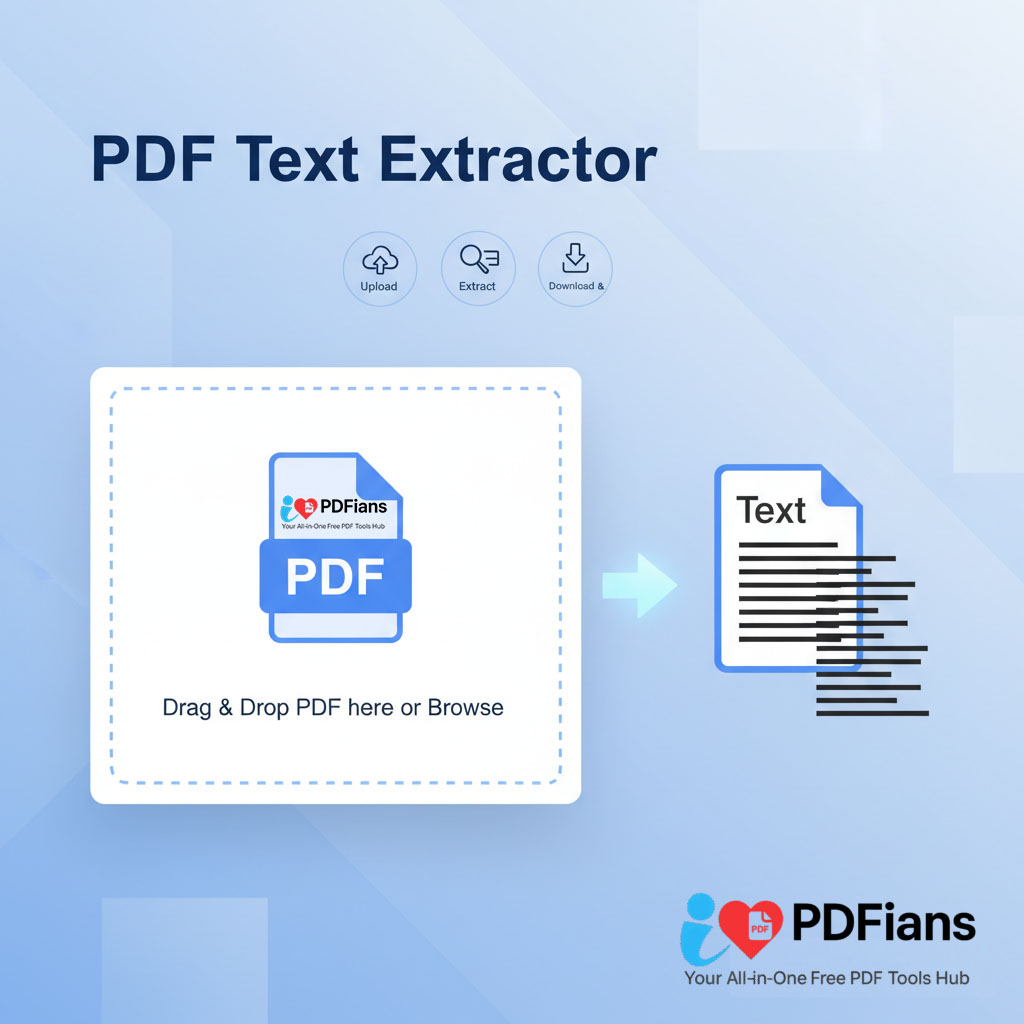
Upload: Drag and drop your PDF file into the designated area, or click to browse and select it from your device.
Extract: Once uploaded, the tool will automatically process the PDF and extract the text content.
Download & Share: The extracted text will appear in a downloadable format (e.g., a .txt file) or directly displayable for quick copying. Save it to your device or share it as needed.
ILovePDFians is more than just a Text Extractor. We offer a vast array of over 50 free tools across five main categories to cater to all your digital document and online needs:
Online PDF Tools: Merge, compress, convert, split, and edit your PDFs with ease.
Image Editing: Resize, crop, add filters, and enhance your images.
Text Analysis: Utilize word counters, grammar checkers, and other linguistic tools.
Online Calculators: Access financial, unit, and scientific converters.
SEO Tools: Boost your online presence with keyword analyzers and backlink checkers.
Every tool is designed to be mobile-friendly and supports seamless one-click sharing to over 30 popular platforms, including Facebook, Instagram, LinkedIn, TikTok, WhatsApp, and Reddit.
Extracting text from PDFs can streamline numerous workflows. For instance, quickly grab data for reports, copy sections for academic research, or pull out legal clauses for contract review. Pair our Text Extractor with other ILovePDFians tools like our PDF to Word Converter for more advanced editing, or our Compress PDF tool to reduce file size before processing.
Need to share your extracted text or the original PDF? Our integrated sharing options make collaboration a breeze. Instantly share your results—boosting productivity without ever leaving your browser!
Q1: Is ILovePDFians’ PDF Text Extractor really free?
Yes! Our tool is completely free to use, with no hidden fees, watermarks, or sign-ups required.
Q2: Are my files secure during text extraction?
Absolutely. Your files never leave your device; all processing occurs locally in your browser, ensuring maximum privacy and security.
Q3: What types of PDFs can I extract text from?
You can extract text from most standard PDFs. For scanned documents or image-based PDFs, the accuracy of text extraction might vary as it depends on the quality of the embedded OCR (Optical Character Recognition) or image clarity.
Q4: Can I extract text from specific pages only?
Currently, our Text Extractor processes the entire document. For more granular control over specific sections, you might first use our Split PDF tool to isolate the desired pages.
Q5: Can I share the extracted text directly to social media?
While you can download the extracted text as a file, direct sharing of the text content itself to social media is best done by copying the text and pasting it into your desired platform. You can, however, share the original PDF or links to our tools via our social media sharing buttons.
ILovePDFians is dedicated to providing free, instant-access tools across various categories: PDF management, image editing, text analysis, calculators, and SEO. We empower users to optimize their digital tasks and enhance collaboration through seamless sharing capabilities across a wide range of platforms including Facebook, Instagram, LinkedIn, Snapchat, TikTok, Pinterest, YouTube, Telegram, X (Twitter), WhatsApp, WeChat, Tumblr, Reddit, Discord, QQ, Quora, Twitch, Sina Weibo, Threads, Kuaishou, LINE, Clubhouse, Douyin, and Messenger—all designed to boost productivity without switching apps. For more free tools, visit PDF to JPG, Split PDF, and Compress PDF, and Adobe PDF Accessibility Guide for more information.