
URL & Text Slugifier
Convert any text into a clean, URL-friendly slug with customizable options.
URL & Text Slugifier
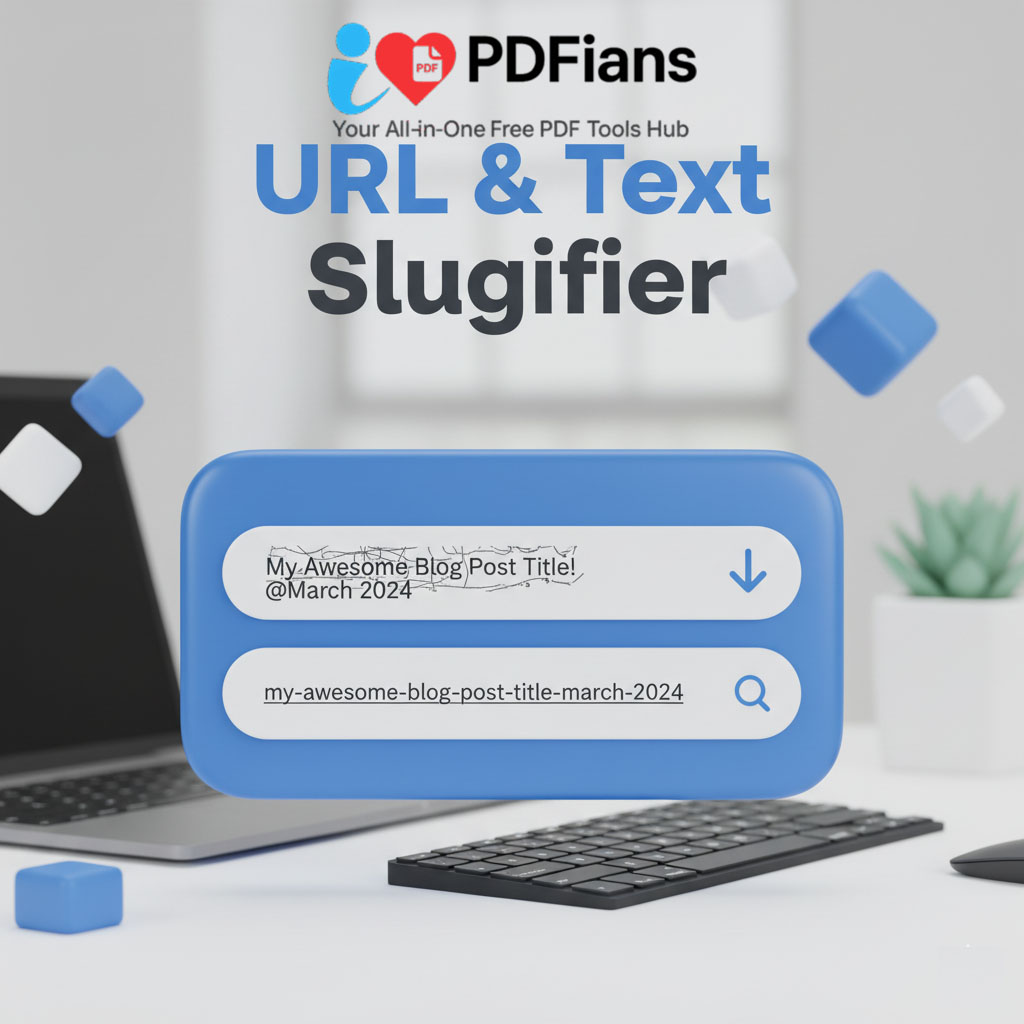
In the digital landscape, every detail matters, and the structure of your website’s URLs is far more important than many realize. A URL is often the first point of contact a user has with your content, even before they click. A clean, descriptive URL is readable, shareable, and excellent for search engine optimization (SEO). However, converting a long, complex page title into a perfect URL “slug” can be a chore. For this reason, our URL & Text Slugifier provides an instant, one-click solution to this essential task.
This tool is a must-have for content creators, SEO specialists, developers, and bloggers. In fact, it automates the entire process of transforming any text string into a web-friendly and search-engine-optimized slug. Consequently, you can ensure your URLs are always concise, readable, and effective, without any manual effort. Ultimately, this simple utility is a powerful asset in building a professional and high-performing website.
The Importance of a Clean URL Slug Generator
So, what exactly is a “slug”? In web development, a slug is the part of a URL that identifies a specific page in a human-readable format. It’s the text that comes after the domain name. For example, in the URL www.example.com/how-to-bake-a-cake, the slug is how-to-bake-a-cake. A well-crafted slug is crucial for both user experience and SEO.
An effective URL & Text Slugifier is therefore an indispensable tool. Search engines like Google use the words in your URL as a minor but significant clue to the page’s content. Including relevant keywords in your slug can contribute to better rankings. Moreover, a clean URL is more trustworthy and understandable to human users, which can lead to higher click-through rates from search results and social media.
From Cluttered Title to Perfect Slug: The Conversion Process
Imagine you’ve just written a fantastic article with the title: “My Top 10 Favorite C# Features (2025 Edition!)”. If you were to use this directly in a URL, it would look something like this: /My%20Top%2010%20Favorite%20C%23%20Features%20(2025%20Edition!). This is messy, hard to read, and terrible for SEO.
Our URL & Text Slugifier instantly fixes this by performing several key actions:
-
Converts to Lowercase: For consistency and to avoid potential issues with case-sensitive servers.
-
Removes Special Characters: Punctuation like ( ) ! and # are stripped out as they can cause errors in URLs.
-
Replaces Spaces with Hyphens: Spaces are replaced with hyphens (–) to create a single, unbroken text string.
As a result, the messy title is transformed into the perfect slug: my-top-10-favorite-c-sharp-features-2025-edition.
Why Hyphens are the Standard for Separating Words in Slugs
You might wonder why hyphens are used instead of underscores (_) or other characters. The reason is that Google has explicitly stated that it treats hyphens as word separators, while it treats underscores as word joiners. This means that if you use the slug my-new-post, Google sees it as “my new post.” Conversely, if you use my_new_post, Google sees it as “mynewpost.” Therefore, using hyphens is the universally accepted best practice for readability and SEO, a fact you can confirm in Google’s own SEO starter guide.
A Simple Guide to Using Our Text to Slug Converter
We believe that powerful tools should also be incredibly easy to use. Our URL & Text Slugifier is designed with a minimalist interface to give you the results you need without any unnecessary steps.
The process is as simple as copying your text, pasting it into the tool, and copying the generated slug. The conversion is performed instantly in your browser, ensuring your data remains private and the tool remains lightning-fast.
How to Slugify Any Text in Seconds
-
Paste Your Title or Text: Copy the text you want to convert (like a blog post title or a product name) and paste it into the input field.
-
Instant Conversion: There is no “generate” button because the tool works in real-time. The moment you paste your text, the perfectly formatted slug appears in the output box.
-
Copy Your Slug: Click the “Copy” button to save the clean slug to your clipboard, ready to be pasted into your website’s content management system (CMS).
This streamlined workflow helps you maintain consistency across all your website’s URLs and saves valuable time during the content creation process.
The Technical and Practical Benefits of a URL & Text Slugifier
Beyond the clear SEO advantages, using a dedicated URL & Text Slugifier offers numerous practical benefits that contribute to a well-structured and maintainable website.
Firstly, it ensures consistency. By using a single tool for all your slugs, you guarantee that the same formatting rules are applied every time. This professionalism is important for your site’s architecture. Secondly, it prevents errors. Manually creating slugs can easily lead to typos or accidentally including invalid characters, which can result in broken links. In addition to clean URLs, ensuring your on-page code is valid is also critical, which is where a tool like our HTML Entities Encoder/Decoder can be extremely helpful.
Frequently Asked Questions (Q&A)
Here are some answers to common questions about our URL & Text Slugifier and the practice of creating slugs.
What is a “slug” in the context of a URL?
A slug is the user-friendly and SEO-friendly part of a URL that comes after the domain. It’s written in lowercase, with words separated by hyphens, and contains no special characters. Its purpose is to describe the content of the page in a clean, readable way for both humans and search engines.
Why can’t I just use my post title as the URL?
Most CMS platforms will automatically generate a URL from your title, but this often results in a long, messy string with special characters and spaces encoded as %20. This is not ideal for SEO or user experience. A URL & Text Slugifier allows you to create a short, concise, and keyword-rich version that is far more effective.
Does a good URL slug improve my search engine ranking?
Yes, a well-optimized slug is considered a minor but important SEO ranking factor. Including your target keywords in the slug helps search engines understand the topic of your page, which can contribute to higher rankings. Furthermore, a clean, readable slug can improve your click-through rate, which is also a positive signal to search engines.
Is this online text to slug converter free and safe to use?
Absolutely. Our URL & Text Slugifier is completely free to use without any limitations. All the processing is done directly in your browser, meaning the text you input is never sent to our servers. This makes the tool completely safe and private.