ˢᵐᵃˡˡ Text Generator
Transform your regular text into tiny, superscript, subscript, or small caps for unique social media posts, usernames, or creative designs.
Create Tiny, Stylish, and Unique Fonts for Any Platform
In today’s dynamic digital world, making your message stand out is paramount. Consequently, standard fonts sometimes fall short when you truly want to capture attention or convey a particular tone. This is precisely where a Small Text Generator becomes an invaluable online utility. Our free tool at iLovePDFians.com provides an effortless way to convert your regular text into a variety of compact and stylized fonts, ideal for social media, unique usernames, or creative projects. Let’s delve into how this handy tool can elevate your online presence and communication.
What is a Small Text Generator and How Does it Work?
A Small Text Generator essentially translates standard alphanumeric characters into their Unicode equivalents that are visually smaller or formatted differently. Unlike simply reducing font size in a document, these are distinct Unicode characters, meaning they can be copied, pasted, and displayed consistently across diverse platforms supporting Unicode. Therefore, you are not merely changing a font property; you are fundamentally altering the characters themselves.
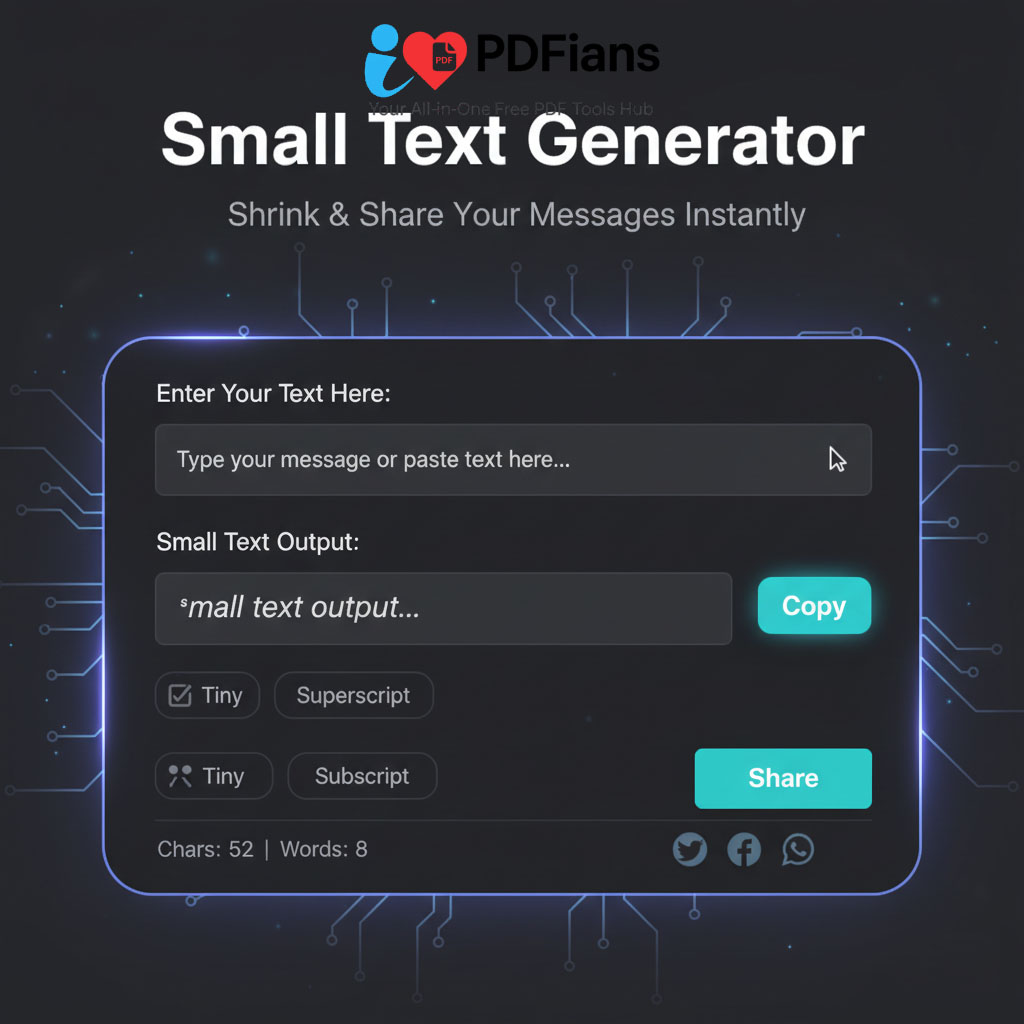
Our intuitive Small Text Converter operates on a simple principle: character mapping. When you input your text, the tool instantly searches for corresponding Unicode small characters for each letter based on your chosen style. For instance, if you type ‘A’ and select ‘Superscript’, it finds and replaces it with ‘ᴬ’. Characters without a small equivalent, such as many punctuation marks or symbols, remain unchanged to preserve readability. This seamless conversion process ensures your stylized text is ready for immediate use.
Discover the Diverse Styles Our Small Text Converter Offers
Our Small Text Generator is designed for versatility, offering a selection of popular and unique small font styles to suit various creative needs. Understanding these options is key to leveraging the tool effectively.
Generate Superscript Text (ᴬᵇᶜ)
Superscript characters appear slightly above the normal text baseline. This style is incredibly popular and finds application in many contexts. Historically, superscript is used for mathematical exponents (e.g., x²) or indicating footnotes (e.g., reference¹). However, in digital communication, it’s frequently employed for a subtle, floating aesthetic. Many users enjoy using superscript for personalizing usernames, emphasizing certain words, or simply adding a unique touch to their messages. It offers a sophisticated yet understated way to differentiate your text.
Create Subscript Text (ₐbс)
Conversely, subscript characters sit slightly below the regular text line. You’ll commonly encounter subscript in scientific notations, especially chemical formulas (e.g., H₂O) or isotopic representations. For creative purposes, subscript can impart a grounded or understated feel to text. Perhaps you want to add a small, almost hidden message, or create a unique signature on a forum. This particular style offers a distinct visual contrast to standard text, making it a valuable option in our comprehensive Small Text Generator.
Transform to Small Caps Text (Sᴍᴀʟʟ Cᴀᴘs)
Small Caps are uppercase letters that match the height of standard lowercase letters. This style provides a formal, elegant, and distinctive appearance without being overly flashy. It’s excellent for headings, emphasis in professional documents, or even for creating sophisticated social media posts. The uniform height of the characters gives a clean and polished look that many find appealing. Our Small Text Generator accurately converts Latin alphabet characters into their small caps equivalents, ensuring a consistent and stylish output.
Craft Tiny Text (ᵀᶦⁿʸ) with Mixed Superscript
Our ‘Tiny’ text option offers a playful and often more pronounced miniature effect, frequently achieved through a mix of superscript characters and other smaller Unicode symbols. This style is perfect for usernames on gaming platforms, quirky bios, or short, attention-grabbing phrases on social media. It truly stands out because of its compressed and diminutive nature. If you’re looking for text that genuinely feels ‘tiny’ and makes an immediate visual impact, this mixed-superscript option is an excellent choice for our Small Text Generator.
Key Benefits of Using Our Free Small Text Generator
There are numerous advantages to integrating our Small Text Generator into your daily digital toolkit. It’s more than just a novelty; it’s a practical solution for enhancing your online communication.
Enhance Your Online Presence and Uniqueness
In a crowded digital space, standing out is crucial. Using small, styled text immediately sets your content apart from the default fonts everyone else is using. Whether it’s for a social media profile, a comment section, or a forum signature, unique text can significantly boost your visibility. Moreover, a distinctive username or bio made with our small font generator can make your profile memorable. This contributes positively to building a unique online identity.
Experience Seamless Copy-Paste Functionality
One of the biggest advantages of our tool is the universal compatibility of the generated text. Since it utilizes standard Unicode characters, the converted text can be effortlessly copied and pasted into almost any text field across various platforms—social media, messaging apps, websites, and more. This eliminates the frustration of formatting issues often encountered with traditional font styling. You just convert, copy, and paste!
Utilize an Entirely Free and Accessible Online Tool
Our Small Text Generator is completely free to use, without any hidden costs or limitations. Access it directly from your web browser on any device – be it a desktop, laptop, tablet, or smartphone. There’s no need for downloads, installations, or registrations. This universal accessibility ensures that whenever inspiration strikes, our compact text converter is readily available at your fingertips, making it a convenient solution for everyone.
Enjoy Instant, Real-time Text Conversion
Speed and efficiency are core components of our tool’s design. As you type your text into the input field or switch between different styles, the conversion happens instantaneously. This real-time feedback allows for quick experimentation, enabling you to preview various small text styles until you find the perfect fit for your message. Furthermore, this dynamic process saves time and enhances the user experience significantly.
How to Effectively Use Your New Small Text Styles
Integrating your newly generated small text into your digital life is straightforward and can add significant flair. Consider these applications to maximize the impact of your unique fonts.
Creative Social Media Applications
Small text is a game-changer for social media enthusiasts. Use it to create captivating Instagram bios, distinct Twitter handles, or unique Facebook post captions. Furthermore, tiny text can highlight specific parts of your message on platforms like TikTok or YouTube, making your content more engaging. For instance, you could say: “ᴺᵉʷ ᵛᶦᵈᵉᵒ ᴬˡᵉʳᵗ! ᶜʰᵉᶜᵏ ᶦᵗ ᵒᵘᵗ.” This adds visual interest without disrupting the overall readability.
Unique Usernames and Gaming Tags
Many online platforms and games impose character limits or simply benefit from a personalized username. Therefore, our Small Text Generator is perfect for crafting memorable and stylized handles that stand out. Imagine a gaming tag like “ᴘʀᴏ_ɢᴀᴍᴇʀ” or a forum name such as “ᶠᵒʳᵘᵐ_ᴹᵃˢᵗᵉʳ.” These unique identifiers can help you build brand recognition or simply make your presence more noticeable.
Enhancing Blog Posts and Web Content
While not a substitute for proper web design, small Unicode text can subtly enhance specific parts of your website or blog. You might use it for a special quote, a creative subheading, or even a small, decorative disclaimer. For instance, a small footnote might say “ᴬˢ ˢᵉᵉⁿ ᵒⁿ ᵀⱽ.” Nevertheless, always prioritize readability for crucial content, ensuring accessibility for all users.
Practical Applications in Notes and Messaging
Beyond public platforms, small text can be surprisingly useful in personal contexts. Utilize it for making quick, visually distinct notes or reminders that catch your eye. You could also use it in messaging apps to convey a whisper or a small, intimate aside. This creative use can add depth and nuance to your private communications.
Frequently Asked Questions about the Small Text Generator
We’ve compiled some common questions to help you get the most out of our free online Small Text Generator.
Q1: Is the generated small text truly a “font” that I can install?
A: No, the generated small text isn’t a custom font file you can install. Instead, it uses special Unicode characters that are already part of most modern operating systems and web browsers. Therefore, when you copy and paste the text, you’re copying these unique Unicode characters, not changing the font of the destination.
Q2: Will the small text work on all social media platforms and devices?
A: Our Small Text Generator produces Unicode characters, which are widely supported. Consequently, the text will work on most modern social media platforms (like Instagram, Twitter, Facebook, TikTok) and devices (iOS, Android, Windows, macOS). However, very old devices or niche applications might have limited Unicode support, leading to some characters appearing as squares or question marks. Always test if unsure!
Q3: Can I use numbers and symbols with the Small Text Generator?
A: Yes, many numbers and some common symbols have superscript or subscript Unicode equivalents, which our tool includes in the conversion. For example, ‘1’ becomes ‘¹’ and ‘+’ becomes ‘⁺’. Nevertheless, not all symbols have small versions, so those will remain unchanged in the output.
Q4: Is there a limit to how much text I can convert?
A: There is no strict character limit for our free Small Text Generator. You can convert lengthy paragraphs if needed. However, for very long texts, readability can become an issue with extremely small fonts. We recommend using smaller text styles for shorter phrases or to emphasize specific words.
Q5: Is my privacy protected when using this tool?
A: Absolutely. Your privacy is a top priority. Our Small Text Generator processes all text directly in your web browser. This means your input text is never sent to or stored on our servers. As a result, your data remains completely private and secure during the conversion process.
Q6: Can I mix different small text styles in one message?
A: While our tool processes one style at a time, you can certainly achieve mixed styles. For example, convert part of your text to superscript, copy it, then paste it back into the input field alongside new text you wish to convert to subscript. This manual process allows for creative combinations, giving you full control over the aesthetic of your message.
Final Thoughts on Our Small Text Generator
Our Small Text Generator at iLovePDFians.com is a powerful, user-friendly, and completely free online tool designed to inject creativity and uniqueness into your digital communications. Whether you’re aiming for aesthetic appeal on social media, seeking a distinctive username, or adding subtle emphasis to your content, our tool offers the versatility you need. We are committed to providing helpful and innovative tools like this. For other useful document tools, consider exploring our main site iLovePDFians.com or check out our Case Converter tool for more text transformation options. Start converting your text today and make your words truly stand out!